

Jenneth Orantia turned her back on a lucrative career in law to pursue her unhealthy obsession with consumer technology. She’s known for having at least half a dozen of the latest gadgets on her person at a time, and once won a bottle of Dom Perignon for typing 78WPM on a Pocket PC with a stylus.
Like a lovelorn math geek pining after the head cheerleader, we’ve had to admire webOS from afar till now. Palm’s webOS smartphones were never released in Australia, much to our disappointment, but now that HP’s running the show, the TouchPad will probably be the first of many webOS-powered devices we’ll see in the future.
Whether the HP TouchPad actually takes off is the question. Competition in this category is fierce, and we’re wondering whether there’s room for yet another player to the mix that doesn’t have an established contingent of users already like iOS, Android and BlackBerry.
Design
The TouchPad shares more than a few traits with the iPad, but the chunky form factor means it’s closer to the original version instead of the sexier sequel. At 740g, it’s the heaviest tablet we know of (the Wi-Fi iPad 2 weighs only 590g) and the 13.7mm depth is a fraction thicker than the original iPad’s.
The 9.7″ 1024 x 768 pixel screen and 4:3 aspect ratio works equally well for portrait and landscape view, but leaves thick black bars above and below for widescreen video. The arrangement of buttons and ports along the front and sides includes a power/sleep button on the top right, a volume rocker on the right-hand side, a micro-USB port on the bottom and a homescreen button that sits flush with the surface – this latter button seems superfluous given you can return to the homescreen at any time by swiping up the screen from the lower bezel.
We’re pleased to see a standard micro-USB port on the TouchPad, but we’re not so pleased that it doesn’t charge over a USB connection, nor can you use the TouchPad while it’s mounted on a computer. Just as noteworthy as the micro-USB port is the lack of any other ports save for the usual 3.5mm headphone jack; while Android tablets have made HDMI and USB ports a standard feature, the TouchPad has neither, nor are there any optional accessories to add those features like there are for the iPad.
The TouchPad feels good in the hand thanks to the tapered edges and rounded rear, but the high-gloss coating shows up every last fingerprint, resulting in ugly smears all over the screen and casing as soon as you start using it.
Features
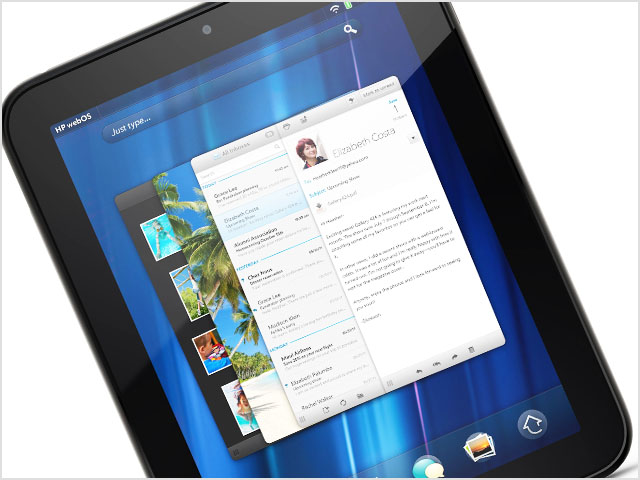
One area where the TouchPad doesn’t copy the iPad, not even a little bit, is in the webOS operating system. While it was originally designed for smartphones, it scales remarkably well to the larger tablet form, and takes the cake for being the richest and most visually-appealing operating system we’ve seen yet.
The genius behind webOS is the way it hooks into popular cloud and online content services on a system-wide level – a technology that HP refers to as ‘Synergy’. Every system app pulls in content and contacts from accounts that you’ve signed into, such as photos from Facebook, documents from Dropbox and Google Docs, and contacts from LinkedIn, Yahoo and Google (amongst other services), and treats it like local data. Search is also extensive, with the ability to look up terms in your email, browsing history, contacts, and online sources like Google, Bing Maps, Wikipedia and Twitter.
webOS keeps the preloaded apps to a bare minimum, but it does include Quickoffice for read-only access to Office files and PDFs, Bing Maps, YouTube, Facebook, a multi-platform chat client and a rebadged version of Skype for phone and video calls. You can download more apps from the HP App Catalog, but most of it is designed for webOS smartphones. Annoyingly, these apps don’t scale up to fill the TouchPad’s screen (like they do for Android and iOS), and simply display in a small, smartphone-sized window. Even worse is the lack of paid apps in the HP App Catalog. A local HP rep said there were ‘plans to make paid apps available in Australia’, but a timeline wasn’t given as to when this will happen.
For Internet access, the TouchPad offers 802.11n Wi-Fi-only, but it supports dual-band for those with 5GHz wireless networks. 16GB and 32GB storage capacities are available, and like the iPad, there’s no microSD card slot or removable battery. The TouchPad is the first tablet we’ve seen that supports inductive charging; using the optional Touchstone Charging Dock ($89), you can charge the TouchPad by simply sitting it in the dock.
Performance
HP has thrown an impressive amount of firepower into the TouchPad, equipping it with a 1.2GHz dual-core Qualcomm Snapdragon processor, 1GB of RAM and Qualcomm Adreno 220 core graphics. You would think this combination would be more than enough to tame webOS into submission, but you’d be mistaken. Apparently the software update HP sent out over the air recently (preloaded on our review unit) was meant to fix the TouchPad’s performance issues – indeed, HP execs at the media launch claimed they were waiting on this update before releasing the TouchPad in Australia – but there was still a lot of lag when we tested it.
This lag issue reared its head unpredictably: sometimes apps would open instantly, other times they would take a couple of seconds to open. The tablet would sometimes play a Full HD video flawlessly, and other times it would have trouble playing a standard definition clip without jittering. We also found ourselves frequently tapping on the touchscreen with no response.
The TouchPad’s web browser supports a beta version of Adobe Flash 10.3, and while it’ll load complex web pages without choking or crashing, it takes its own sweet time about it. The SMH website on the TouchPad took just under a minute to fully load, whereas it took only 10 seconds on an iPad 2, 15 seconds on the BlackBerry PlayBook and 20 seconds on the Asus Eee Pad Transformer.
Specs for the TouchPad’s display look remarkably similar to the iPad’s: 1024 x 768 resolution, LED back-lit, and IPS (in-plane switching) technology for 178-degree viewing angles. But it doesn’t hold a candle to the iPad’s screen in practice. Whites have a yellowish tinge, and the limited contrast ratio means you lose a lot of detail when viewing dark movie scenes. The IPS technology is also marred by the highly reflective coating on the screen; while you can see on-screen images at extreme angles, you can see nearby objects reflected on the screen as well.
HP claims the TouchPad is good for eight hours of web browsing, and you should be able to get slightly more than that for daily use. Our battery test, which consists of playing videos continuously with Wi-Fi on, resulted in 8 hours and 40 minutes of run-time. A solid effort, but again, we can’t help comparing it to the significantly skinnier iPad 2, which can run for 10.5 hours under the same test.
Conclusion
The TouchPad goes on sale 15 August through Harvey Norman. The 16GB version costs $599 and 32GB version $699 – both of which are slightly more expensive than the iPad 2 equivalents. This price disparity, however minor, seems optimistic given the TouchPad’s many flaws. Laggy performance is only half the problem – the paucity of tablet-optimised apps coupled with a complete absence of paid apps at launch seriously limits the TouchPad’s appeal.
Update: HP has just announced a $100 price drop for both the 16GB and 32GB TouchPads in Australia. This pricing seems more realistic and should make it more appealing to those trying to decide between this and other tablets, but it doesn’t speak too favourably of the TouchPad’s success (or lack thereof) in other markets, where it’s been on sale since early July.
To paraphrase Robert Arryn in Game of Thrones, we want to see the webOS fly (in a good way), but the TouchPad in its current incarnation doesn’t seem like the right vehicle to do it. As clever as webOS is, it’s let down by the TouchPad’s poorly performing hardware and a lacklustre apps ecosystem.

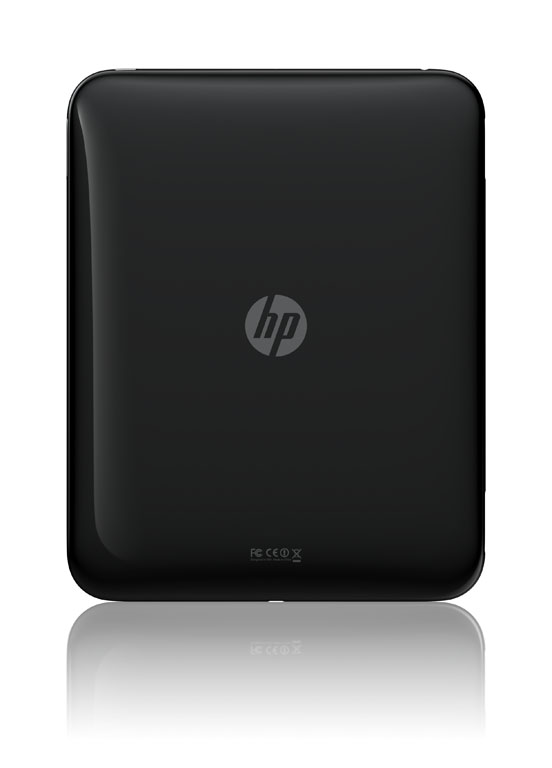
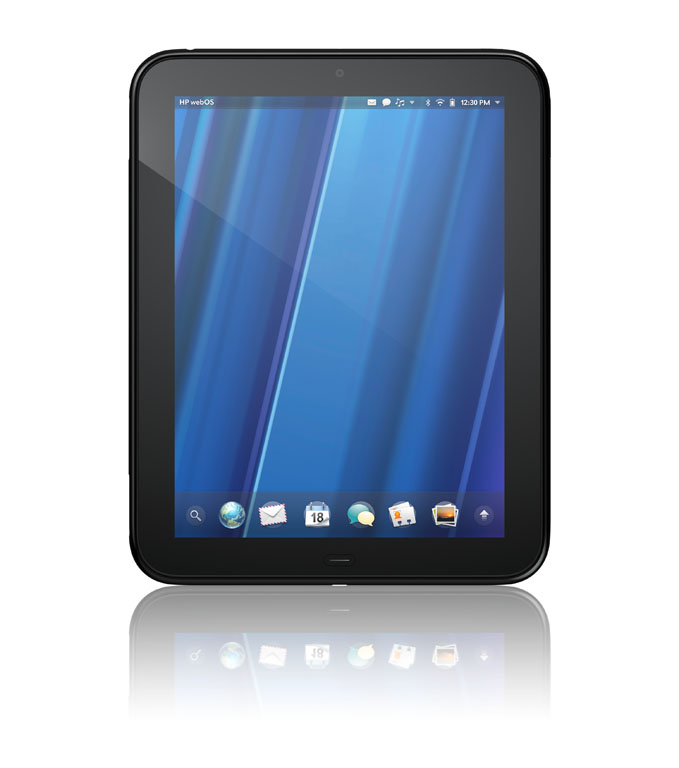
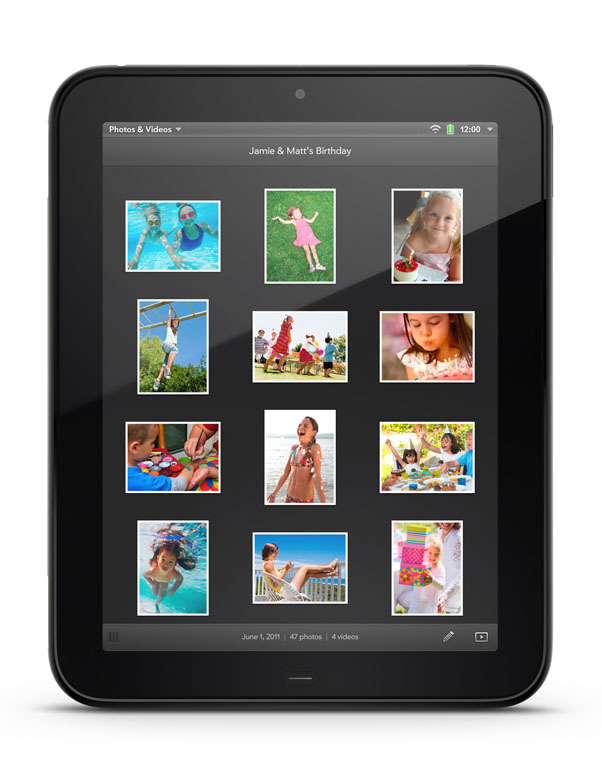
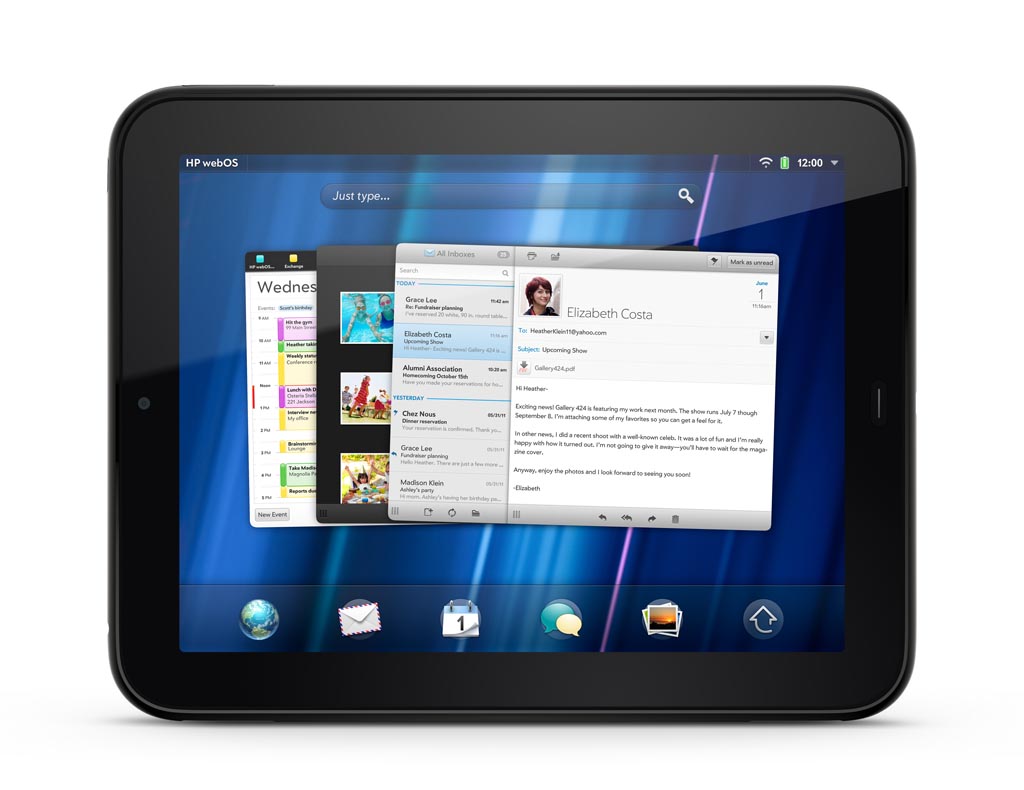
Image credits: HP
Does the the touchstone come with a keyboard? Otherwise $89 is a complete rip off. That being said, the touchstone should really be included. It makes a good point of difference between it and the ipad.
No, the keyboard is a separate accessory. I agree, $89 is a lot to ask!
I think you will find that it will charge from a standard USB port. I had a demo Touchpad last night that only had a powerpack with a US plug. It was down to 30% before I just plugged the USB cable into my PC, and it charged to 100% overnight.
I won’t be interested in this until Apple decides I can’t have it either. Then I’ll buy two!
winter is coming
Good review. Trying the Touchpad for a week so far and the comments are spot on. The BT keyboard is another accessory that looks great… But is missing keys and functionality that would make it really useful – ctrl-c,v,x,a do not work and there is no Etc key. Also, can’ use it to move between different cards but can make it jump to the multi-app view. Aaarg… It could have been so good.
Comments are closed.