


review Launched in September 2011, the Kindle Touch is one of the lower-end models in Amazon’s Kindle range. Like the company’s traditional Kindle models, it features an e-ink screen that’s comfortable on the eyes, but it also introduces a touchscreen feature which mostly does away with the need to use physical buttons to navigate its interface. Will this device kindle your imagination? Read on to find out.
Note: The 2011 Kindle Touch was superceded by several new models over the past several weeks – the Kindle Paperwhite and the new Kindle. However, Amazon only sent us a review unit of this device a few weeks ago – and there are now many Kindle Touch units available for sale on sites such as eBay, so we thought we’d complete the review anyway.
Design
The Kindle Touch features a highly minimalistic design. It’s a study in light grey, with its 6” screen taking up most of its front surrounded by a border of grey plastic. It’s 17cm tall,12cm wide, and it weighs some 213 grams. Overall, it feels like a thin paperback book.
Below the screen is a single button, which functions as the Kindle Touch’s home button. On its bottom sit an on/off button, a 3.5mm headphone jack, and a micro USB port for connecting the device to a PC and charging it. There’s also a small set of speakers set on the back close to the bottom, in case you want to have your books read to you.
If you haven’t used a Kindle or other e-reader device before, you’re probably not familiar with the properties of e-ink, which is the type of screen which the Kindle Touch uses. This is a passive, rather than an active screen such as those used on laptops, iPads and mobile phones. In short, e-ink screens are much easier on the eyes than LCD or other types of active screens, and they’re not lighted. This means two things – that you’re not likely to get eye strain from using a Kindle Touch, and secondly that you will need to use a lighting source if reading it at night – just as with a traditional book.
Features
The Kindle Touch does just one thing, really – its primary feature is that it allows you to read eBooks, typically those downloaded directly from Amazon’s Kindle Store, or through synching them to the Kindle Touch from your PC. It comes in versions with a 3G connection (which you won’t need to pay Amazon for) as well as a version with a simple Wi-Fi connection.
There’s a few other features about the device which you might want to know about. It comes with 4GB of storage space – more than enough to store hundreds or even thousands of books, which are quite small in size – it has a screen resolution of 800×600, it can read quite a few eBook file formats, including PDF, but those formats it doesn’t support can usually be converted to the right format through a useful tool such as Calibre. It can also play MP3 files and read books aloud through its audio function. There’s also a browser and some games available, but we don’t really expect people to pay much attention to these features.
Performance
Your writer has had one of the early model Kindle 3G units for some years now, and I tend to do as much of my book reading on it as possible (most other reading is done on my smartphone on the road). The experience is lovely – the unit is lighter and less cumbersome than a book, and it’s easy to download new books to it on the road. We vastly prefer the eBook experience to paper books, and we suspect many other people do too.
So the question becomes, does the Kindle Touch’s touchscreen add much to this experience, given that the existing Kindle experience was already so good? In a word, yes, it does.
The Kindle Touch’s touchscreen looks and feels like normal e-ink readers, but the key difference is that you turn pages just by lightly touching the screen – on the left or right to go to the next or last page, or the top to open the menu and search for certain sections of the text, or to navigate to a particular chapter. And the experience of doing this is just lovely – it’s a lighter, simpler touch than pressing a button to go to the next page, and it feels more natural.
Navigating around the Kindle Touch’s user interface is also lovely. Surprisingly, the e-ink screen is quite responsive to the touch input, if not quite as responsive as a normal tablet touchscreen, and it was an easy matter to find the sections of text we were looking for, search for and download new eBooks from Amazon’s Kindle Store and keep on reading. Even things like close boxes on pop-up windows work really well.
Probably the only other aspect of the Kindle Touch which you’ll need to know about is its battery life. Amazon’s Kindle line is famous for its battery life, and the Kindle Touch is no exception. Amazon advertises it as being able to support reading for up to two months (yes, that’s months – we know you’re used to thinking in days for battery support on mobile devices) – with the wireless function turned off, and half an hour’s reading each day, and we don’t really have any reason to doubt this claim. The Kindle Touch is the kind of device you can charge, then read daily for weeks, leave it on your desk for a couple of more weeks, and come back to find it’s still functional. This is also one of the beautiful things about e-ink displays.
Conclusion
Amazon’s Kindle Touch might have been superceded several weeks ago, but that doesn’t mean the model is out of date. If you need a solid e-reader to last you the next five years, and you see one of these babies on eBay cheap, you have our support to buy it. The Kindle Touch is a solid e-reader and the touchscreen is a delight to use. This little beauty will keep you knee-deep in eBooks for years, and that can only be a good thing.
Other reviews we liked of the Amazon Kindle Touch: The Verge, Engadget, CNET.
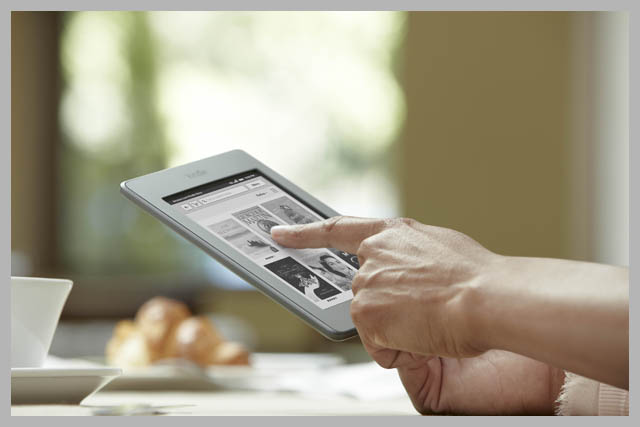
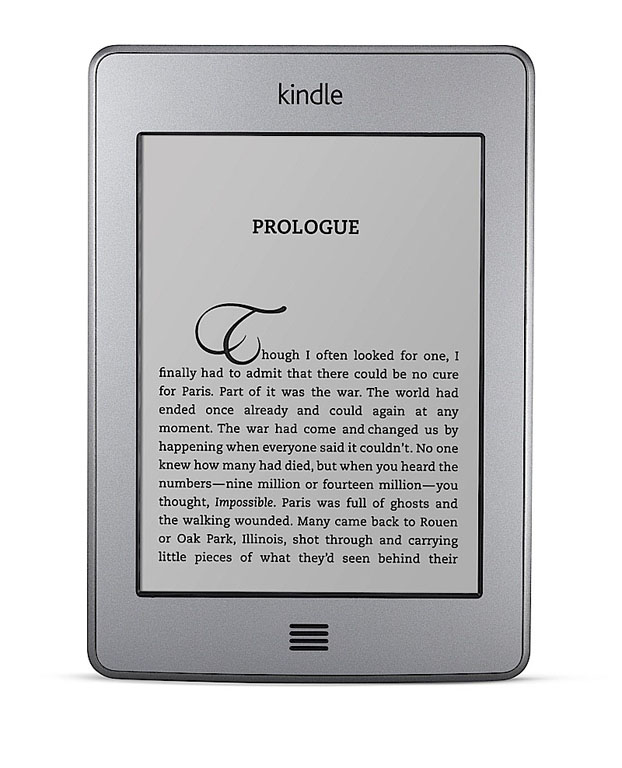

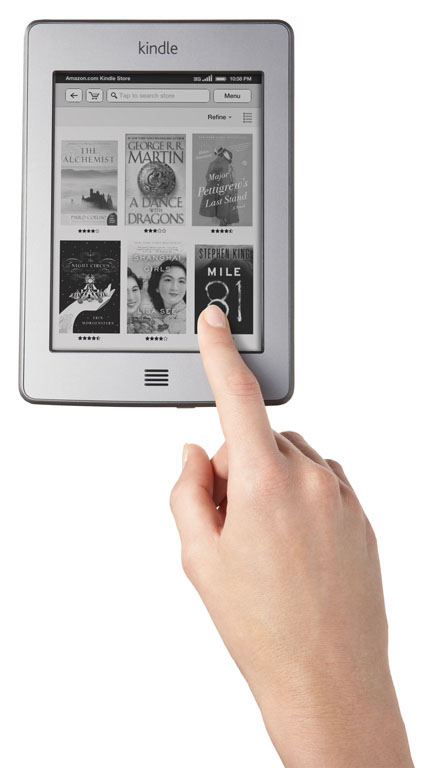
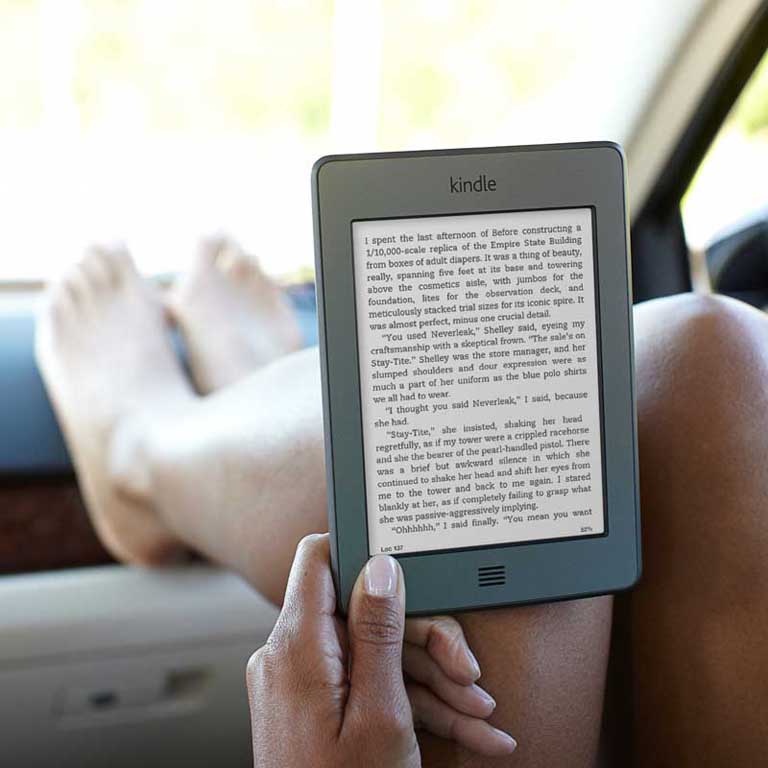
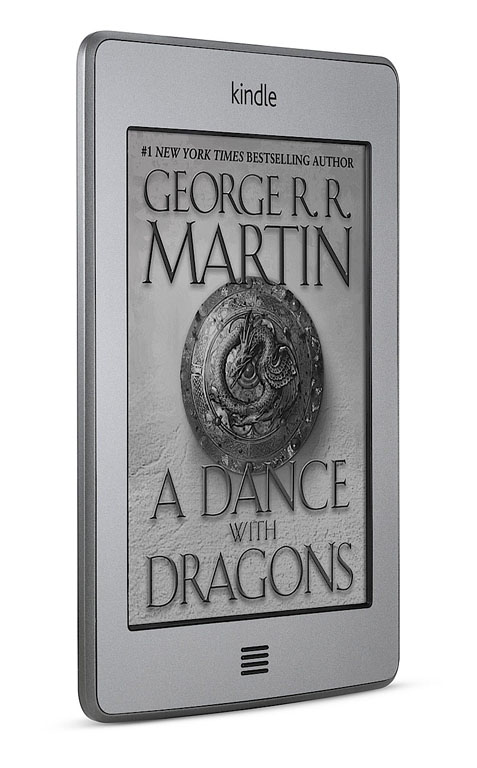
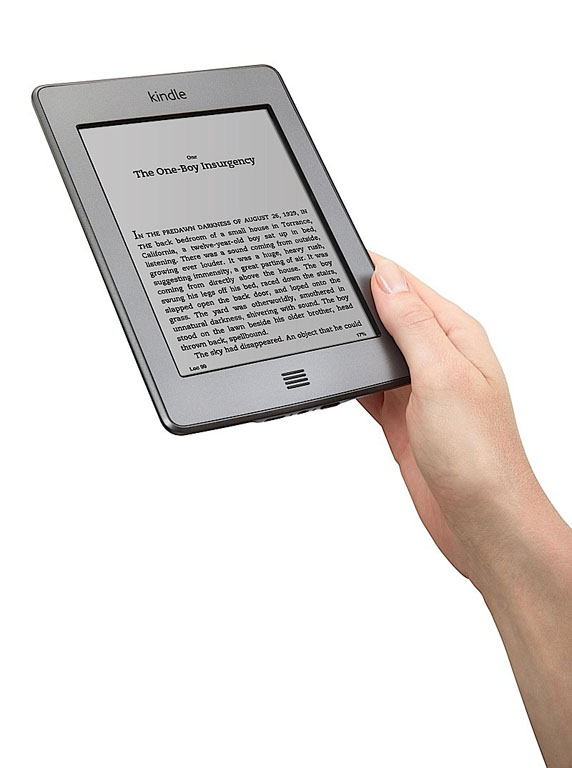
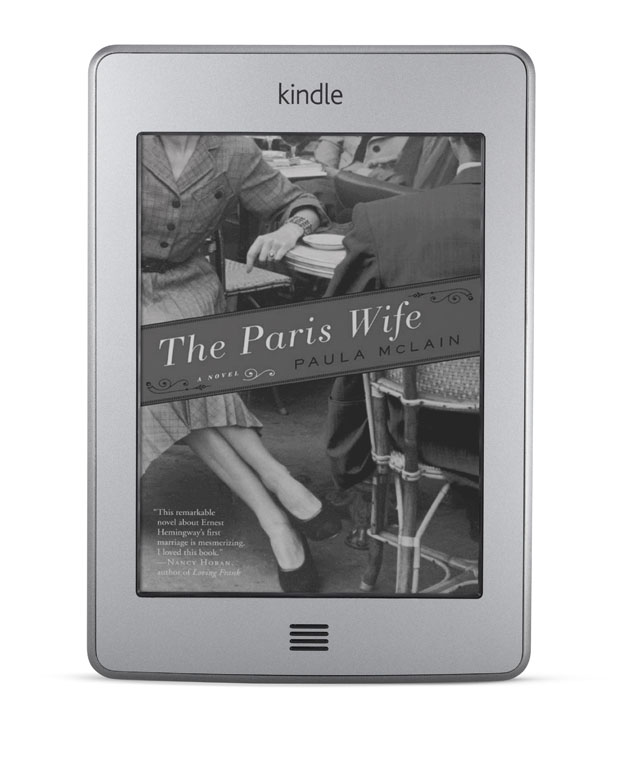
Image credit: Amazon
IMO the lighted cover is a mandatory accessory.
I love my Kindle Touch and went on a reading rampage since I got it at Easter, but I am now eyeing off the new models with the built-in backlight.
You mean for reading in bed? I guess a lot of people have bedside lights etc.
Yes as you can read at night without disturbing your partner. I’m a nightowl and she sometimes complains about a bright iPhone screen in bed but not the Kindle.
Fair enough — I have heard this story a few times.
Comments are closed.